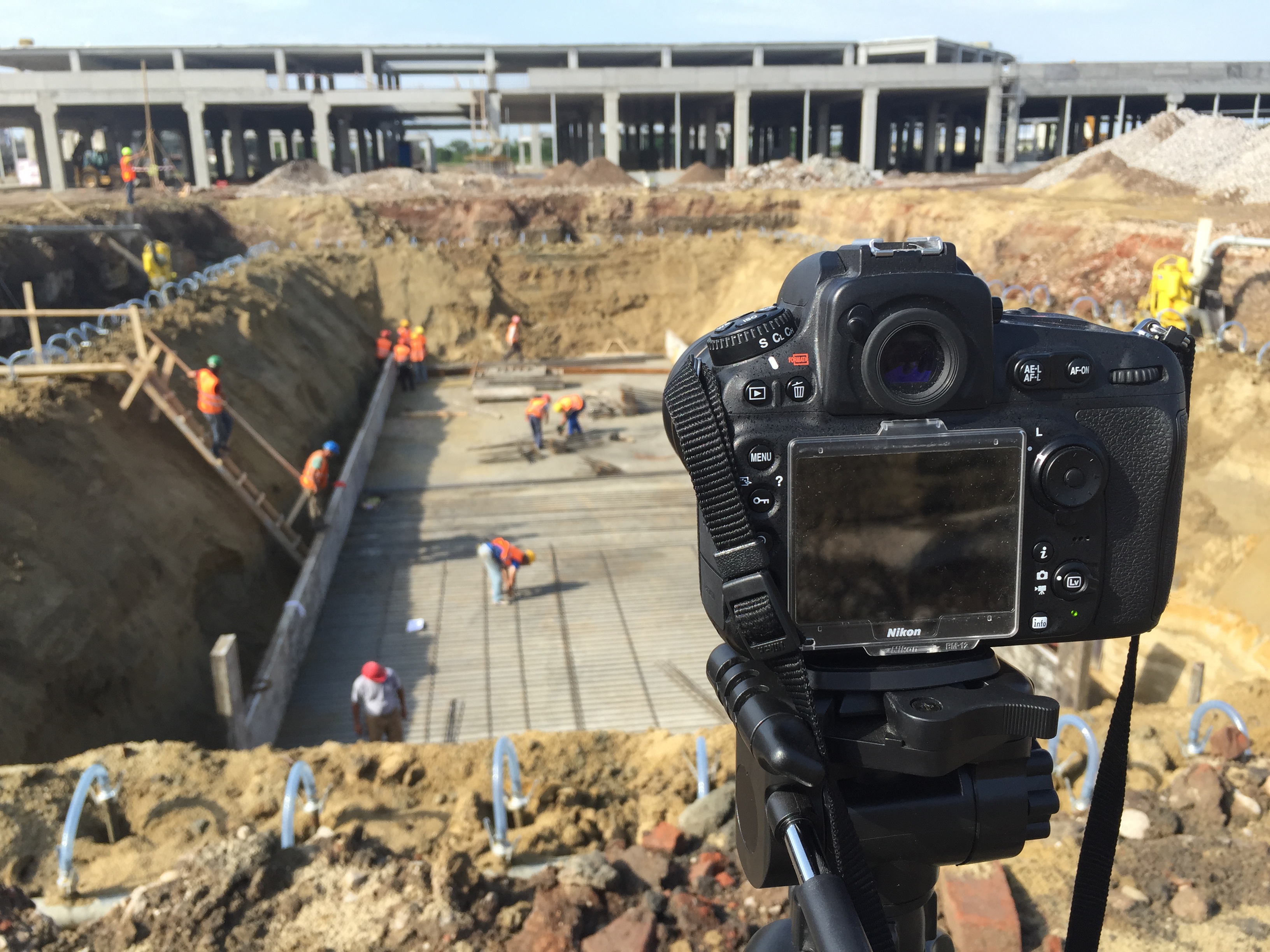
Construction delays rarely start with major mistakes. They usually come from small, visible patterns that go unnoticed until they turn into a schedule problem.
That’s where construction site cameras earn their place. As a practical way to verify activity, track logistic and create a reliable timeline of the build, they can help you catch these signs early, validate what’s actually happening on site and act before the delay compounds. With live view construction cameras, a saved archive and a simple review routine, teams can spot schedule risk early and respond swiftly.
Below are three common causes of delay you can see on camera, plus what they typically mean and what to do next.
You check the live view during a planned work window, such as early start, mid-day peak or shift handover, and the site looks under-staffed. It often shows up as:
With remote site monitoring, this is easy to spot because it’s repeatable. Review the same time window across several days and the pattern becomes hard to ignore. When bringing it up to the stakeholders, if needed, you can back up your concerns with clips saved in the archive.
Construction schedules depend on sequencing. When crews aren’t present when they should be, tasks start late, dependencies pile up and the next trades get blocked. A small daily slip can become a real schedule risk within a week. It also tends to create rushed work later, which increases the chance of quality issues and rework.
For developers and project managers, it’s also an accountability issue. It’s difficult to fix what you can’t verify. Without a shared view of the site, updates turn into “we were there” versus “you weren’t.”
Another crutial clue is seeing machinery, like cranes, lifts, excavators and telehandlers, sitting in the same place for long periods, with no obvious use. You'll notice that:
This matters because many types of equipment are rented by the hour or day. When it sits unused, the cost still runs.
Idle equipment usually points to a blocker, such as materials haven’t arrived, access is congested, sign-offs aren’t cleared or the previous phase wasn’t completed correctly. Either way, you’re looking at schedule risk and wasted spend at the same time. If you want to reduce construction costs without cutting corners, start by identifying paid downtime.
Material flow is one of the clearest sources of schedule drift and also one of the easiest to verify visually. Delays show up as:
Even when crews are ready, work stalls if materials aren’t where they need to be. This is where construction progress monitoring and daily visibility pay off, because access points and staging areas are predictable places to review.
Teams can’t build without the right materials in the right place at the right time. Logistics issues also trigger secondary problems:
If you’re managing multiple stakeholders, clear visual evidence also helps with accountability, especially when the cause is external (supplier delays) or coordination-related (site access planning).
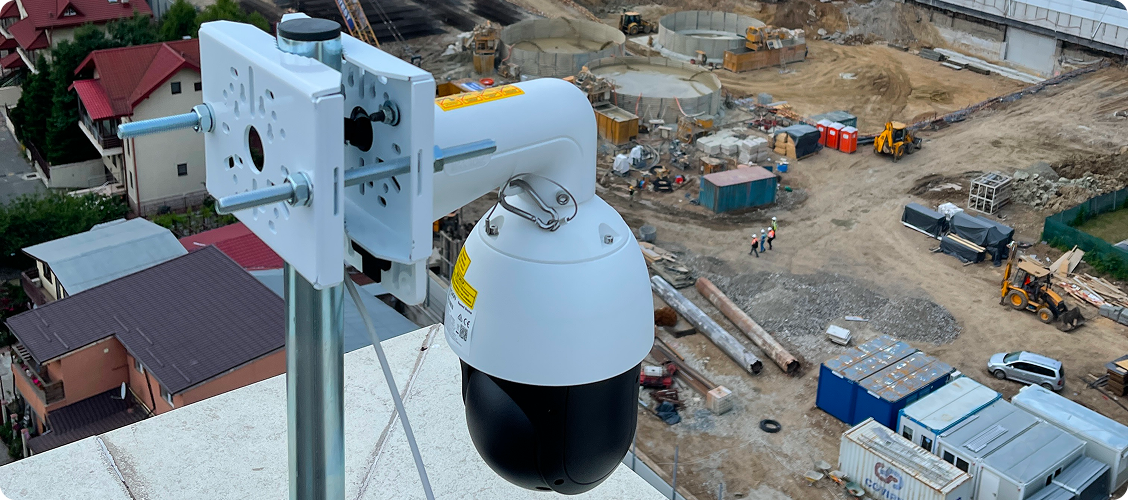
This one is worth calling out separately because it doesn’t just delay the schedule, but it can also trigger disputes. Rework patterns tend to look like this:
This is where cloud construction cameras and saved archives help. They create a record of what happened and when, which is useful when there’s disagreement about whether a phase was completed properly, when defects appeared or who had access to a zone during a specific window.
Besides delays, rework also creates conflict. A clear timeline can keep the conversation factual if a conversation with a contractor becomes tense.
Delays have early warning signs that are often visible before they become expensive. When you use cameras for real time construction monitoring, you gain control over cues that normally get missed.
Ready to reduce delays with stronger construction site visibility? Tell us about your site and stakeholders and we’ll recommend a monitoring and reporting setup that fits your cadence. Reach out to our team today.